
Made for Karnataka, from Mysuru
Design Less
and Share More
Wish everyone on festivals and special days with ready-made Kannada posters, personalised with your photo and name in seconds. Download or share straight to WhatsApp.
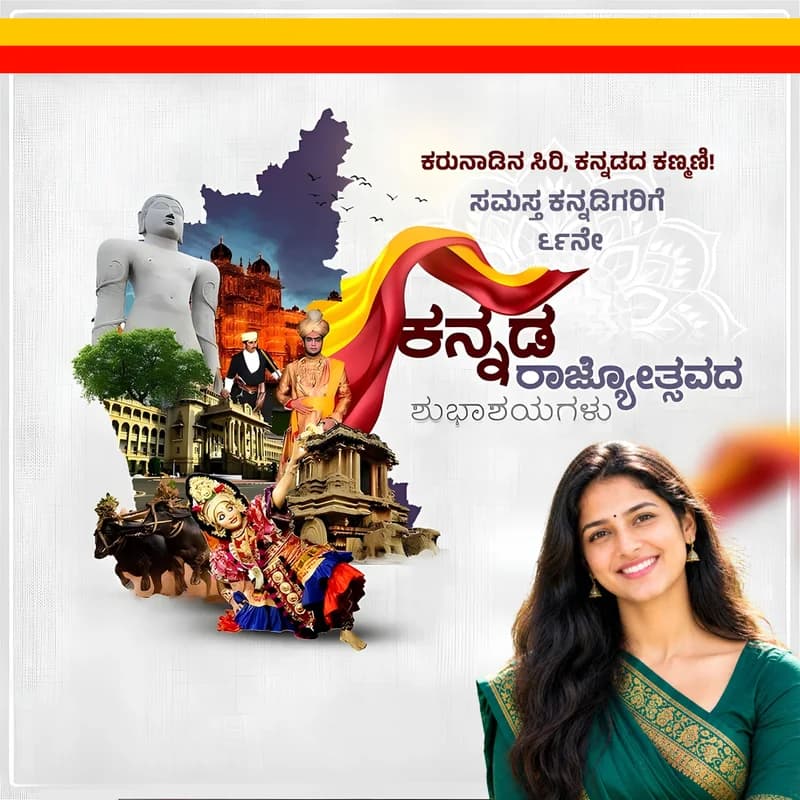
ನಿಮ್ಮ ಹೆಸರು
ಟ್ಯಾಗ್ ಲೈನ್ (ಮುಖಂಡರು, ಸಮಾಜಸೇವಕರು...)

ನಿಮ್ಮ ಹೆಸರು
ಟ್ಯಾಗ್ ಲೈನ್ (ಮುಖಂಡರು, ಸಮಾಜಸೇವಕರು...)

ನಿಮ್ಮ ಹೆಸರು
ಟ್ಯಾಗ್ ಲೈನ್ (ಮುಖಂಡರು, ಸಮಾಜಸೇವಕರು...)
Features
Everything you need to wish in style
Made simple for everyone, so anyone can create a poster in a few taps.
Ready-made Kannada posters
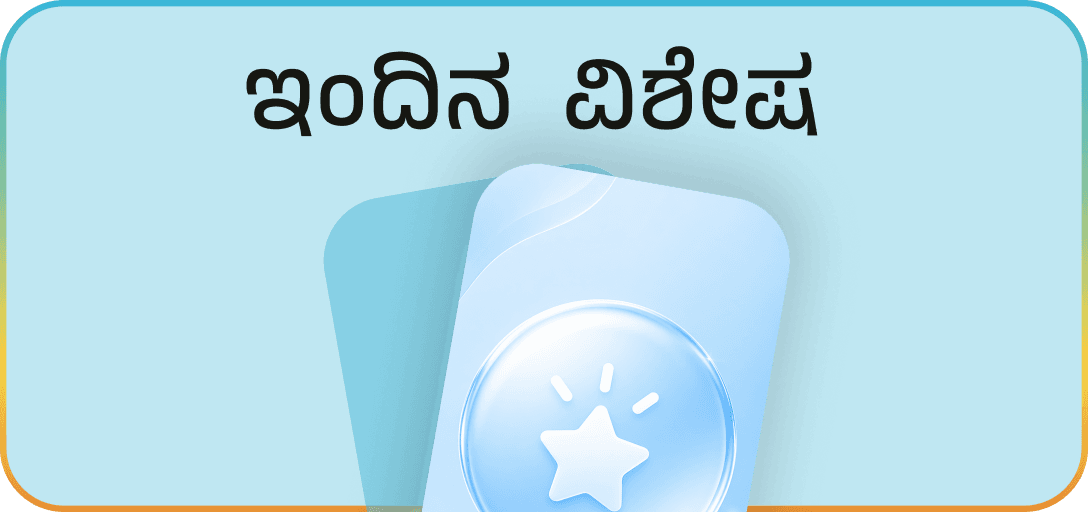
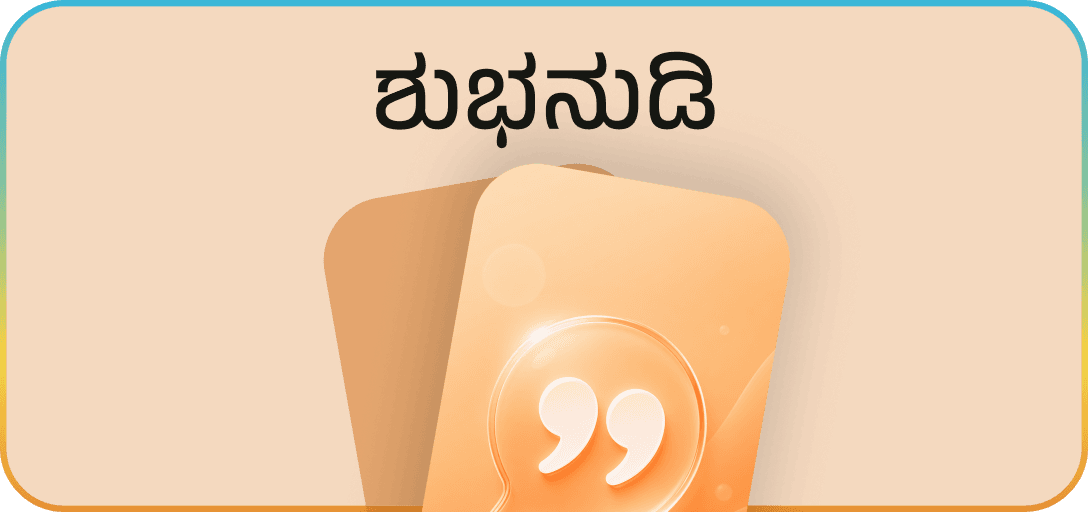
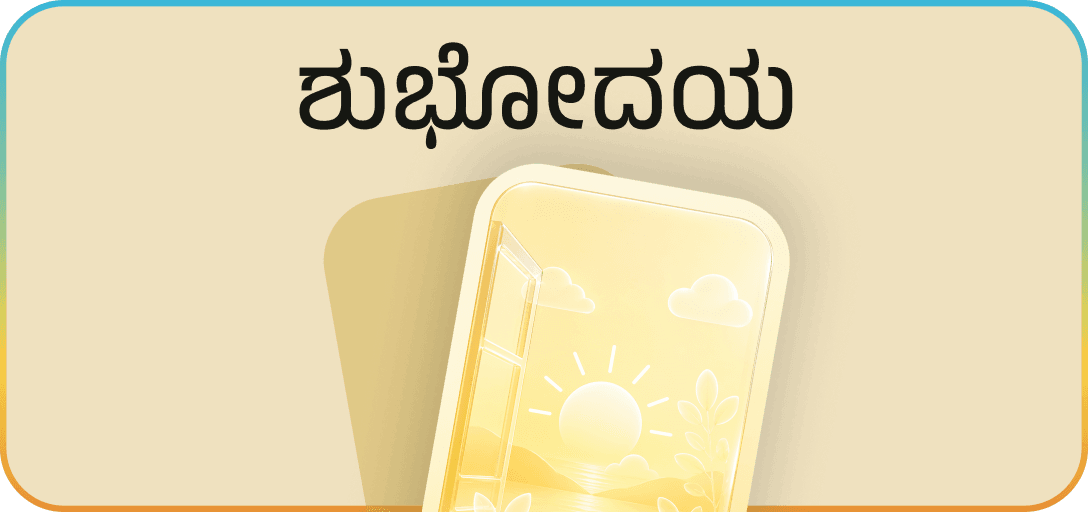
Kannada Rajyotsava and other festivals, good morning (ಶುಭೋದಯ) and good night wishes, Kannada quotes and devotional posters. New posters added regularly.
Your photo and name
Add your photo, name and tagline once. They appear on every poster you make.
Background Eraser
Remove the background from your photo in one tap for a clean, professional look.
Download in one tap
Your personalised poster is saved straight to your phone's gallery.
Share on WhatsApp
Send posters to friends, family and groups on WhatsApp or any other app.
Private by design
No public feed. Other users can't see your profile, photos or posters.
How it works
Your first poster in under a minute
- 1
Sign in with your mobile number
Quick and secure login with a one-time password (OTP).
- 2
Set up your profile
Add your photo, name and tagline. Use Background Eraser for a clean cut-out.
- 3
Pick a poster
Browse Home, filter by category, search, or open Political to choose a party.
- 4
Download or share
Your poster is ready with your photo and name. Save it or send it on WhatsApp.
Categories
Kannada posters for every moment
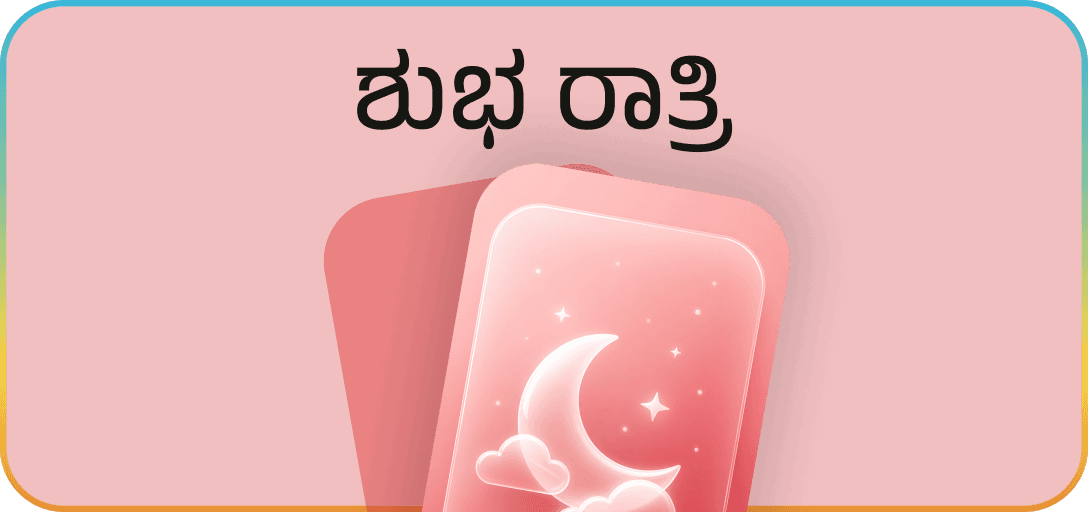
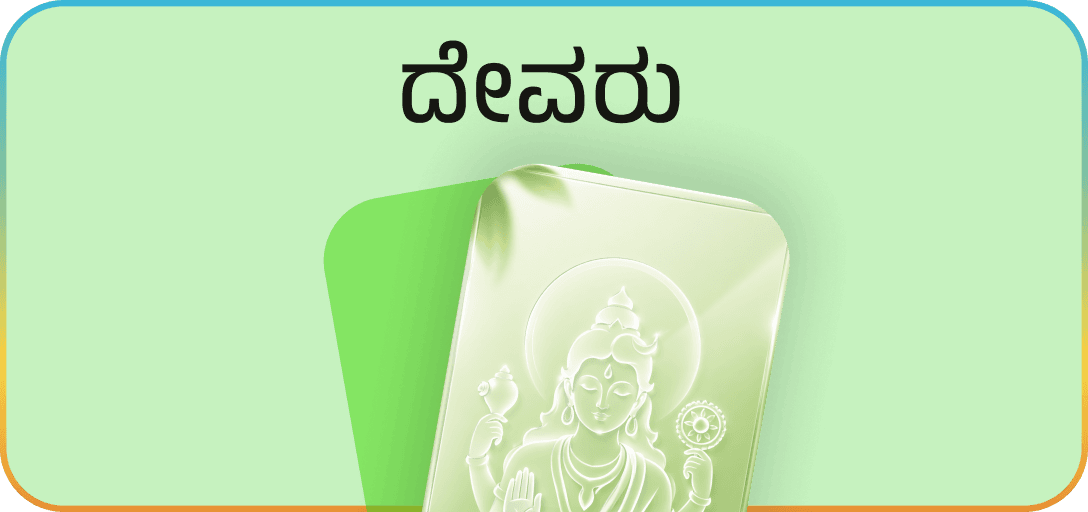
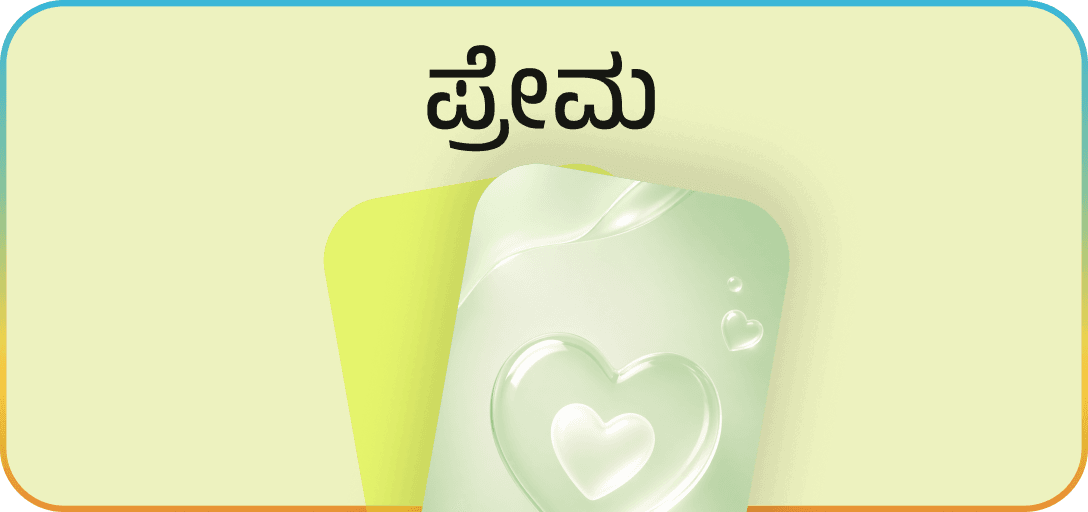
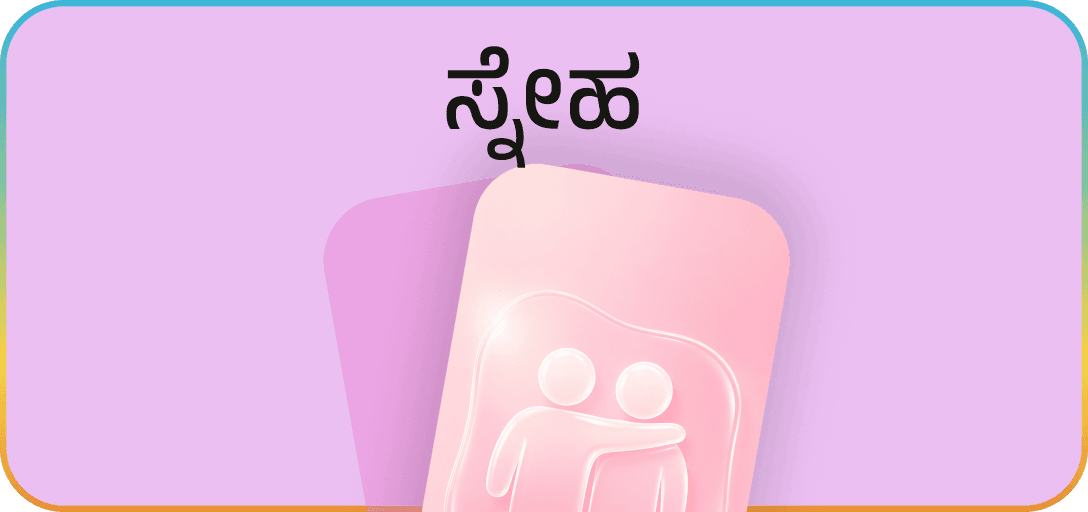
Good morning (ಶುಭೋದಯ) and good night wishes, Kannada quotes, God and devotional posters, festivals and politics.
Start making your posters today
PosterNet is available on Android. Download the app and wish your loved ones in Kannada.
Screenshots
A clear interface built for speed.
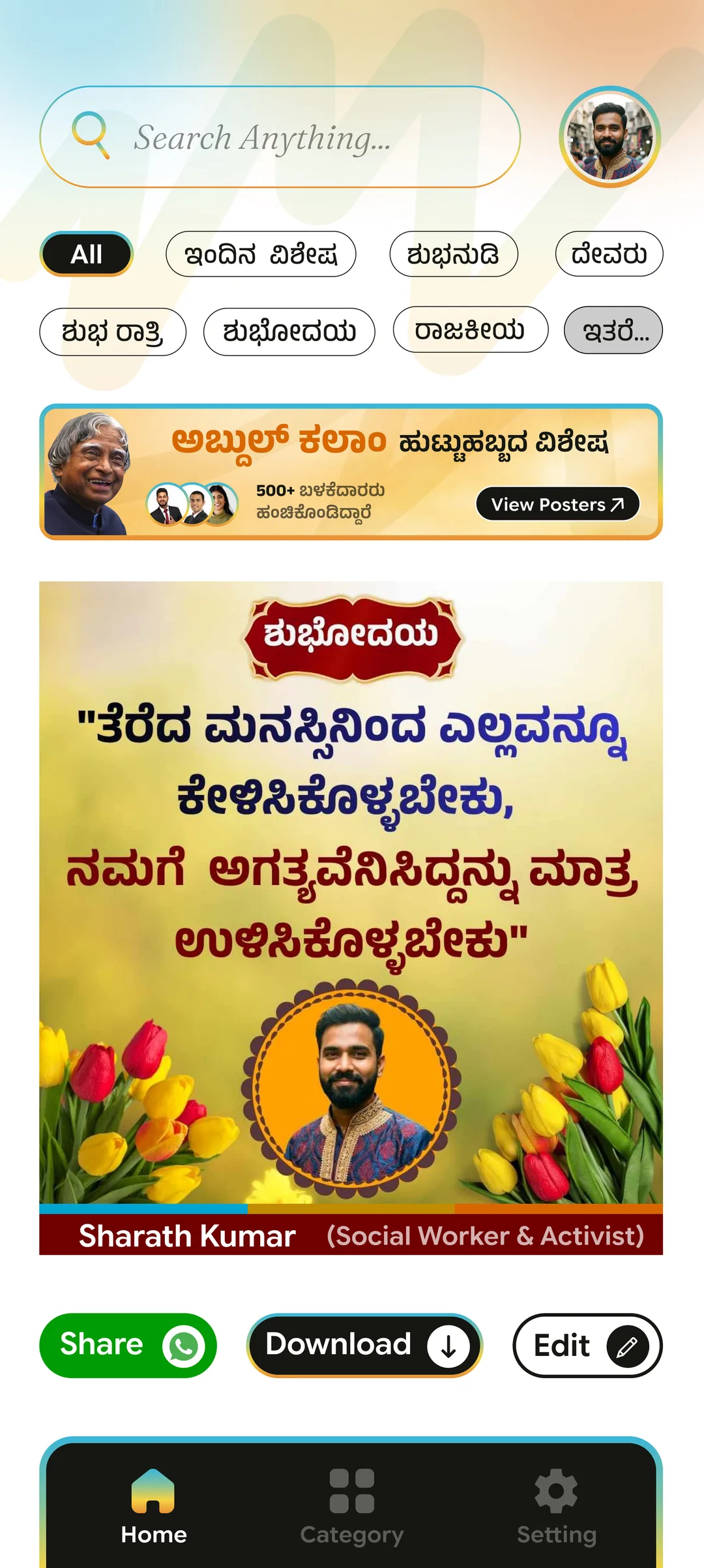
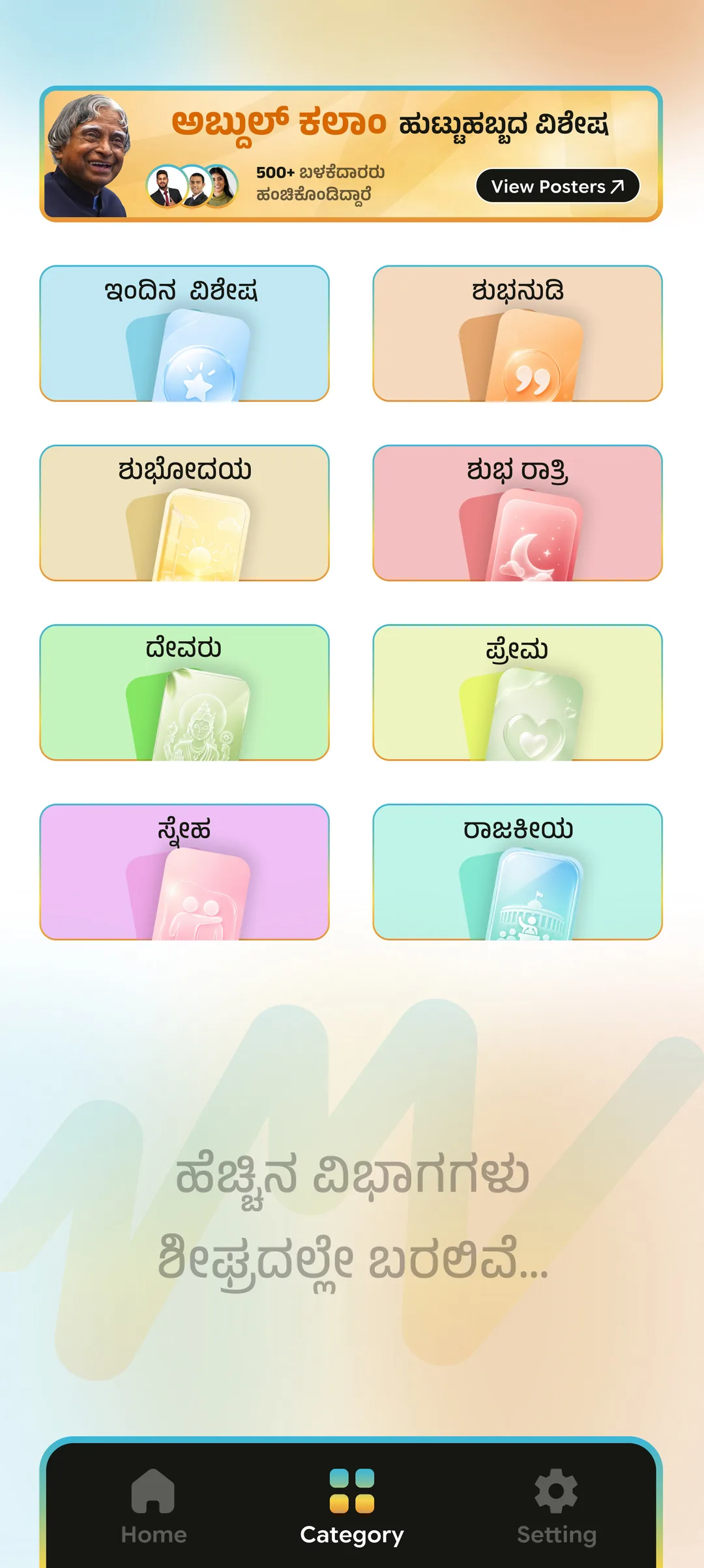
Swipe through the mobile experience—from login and categories to poster discovery and profile settings.
Home
FAQs
Frequently asked questions
Getting started
What is PosterNet?
PosterNet is a Kannada poster maker app. It gives you ready-made Kannada poster designs for Kannada Rajyotsava and other festivals, good morning (ಶುಭೋದಯ) and good night (ಶುಭ ರಾತ್ರಿ) wishes, Kannada quotes (ಶುಭನುಡಿ), God (ದೇವರು) and devotional posters, love, friendship and political posters. Add your photo, name and tagline once, and every poster is personalised for you to download or share.
Is PosterNet free?
Yes, PosterNet is currently free. If we ever introduce paid features, we will tell you the price and terms first. You will never be charged without your clear agreement.
Which phones does PosterNet work on?
PosterNet is currently available on Android.
How do I sign in?
Enter your mobile number and type in the one-time password (OTP) we send you by SMS. No password to remember.
Who can use PosterNet?
PosterNet is for users aged 18 and above.
Making posters
How do I add my photo and name?
Go to Settings → Profile & Personal Details, tap Edit Profile, add your photo, name and tagline, then tap Save. These appear on every poster you make.
How does Background Eraser work?
While editing your profile, tap Background Eraser. Your photo is sent to our server, where an automated tool removes the background. Tap Original to switch back at any time.
How do I find a poster?
Browse posters on Home, or tap a filter at the top to see one category. Use the Category tab to see every category, and the search bar to look for a poster. For political posters, open the Political category and choose a party.
Where are downloaded posters saved?
Tap Download under a poster. It is made with your photo, name and tagline and saved to your phone's gallery.
How do I share a poster on WhatsApp?
Tap Share under a poster and choose WhatsApp, or any other app, to send it.
Can I save a poster for later?
Yes. Tap the bookmark icon on a poster. Find your saved posters in Settings → Saved, where you can view them full screen or remove them.
Can I use someone else's photo?
Only if you have their permission. If your photo or name is being used in PosterNet without your permission, contact us and we will act on it.
Can I use posters for business ads or resale?
No. Posters are for personal sharing. Using them for commercial advertising or resale needs our written permission.
Privacy & account
Can other people see my photos or posters?
No. PosterNet is not a social network. There is no public feed, and other users cannot see your profile, photos or posters.
Do you sell my data?
No. We do not sell your personal information, and we do not use your photos or content for advertising.
Read our Privacy Policy →How do I delete my account?
In the app, go to Settings → Account Management and tap Delete My Account. Your account, profile, photos and saved posters are permanently deleted.
More about account deletion →How can I suggest a poster or report a problem?
Use Settings → Suggestions & Feedback or Help & Support in the app, or reach us by email or WhatsApp below.
Contact
We're happy to help
Questions, suggestions or a poster you'd like to see? Reach out.